
← Help · Seller: Listings and Orders
Add a Listing
Put something up for sale in your store, with its price, stock and how buyers get it.
- 1
Open Your Store ▾ and choose Your Listings.

- 2
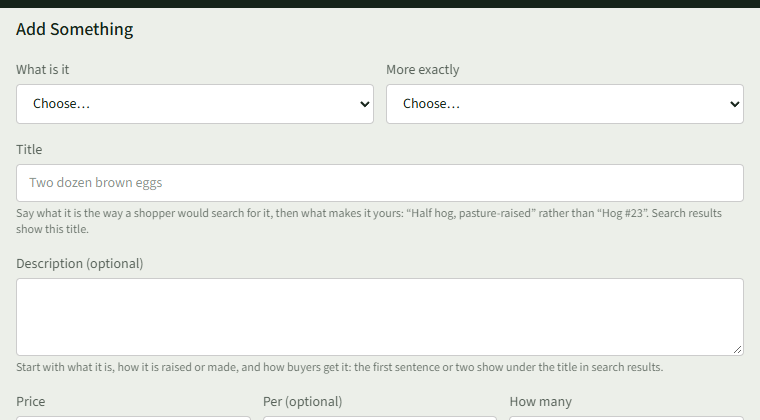
Under Add Something, choose a category in What is it, then the closest match in More exactly.
- 3
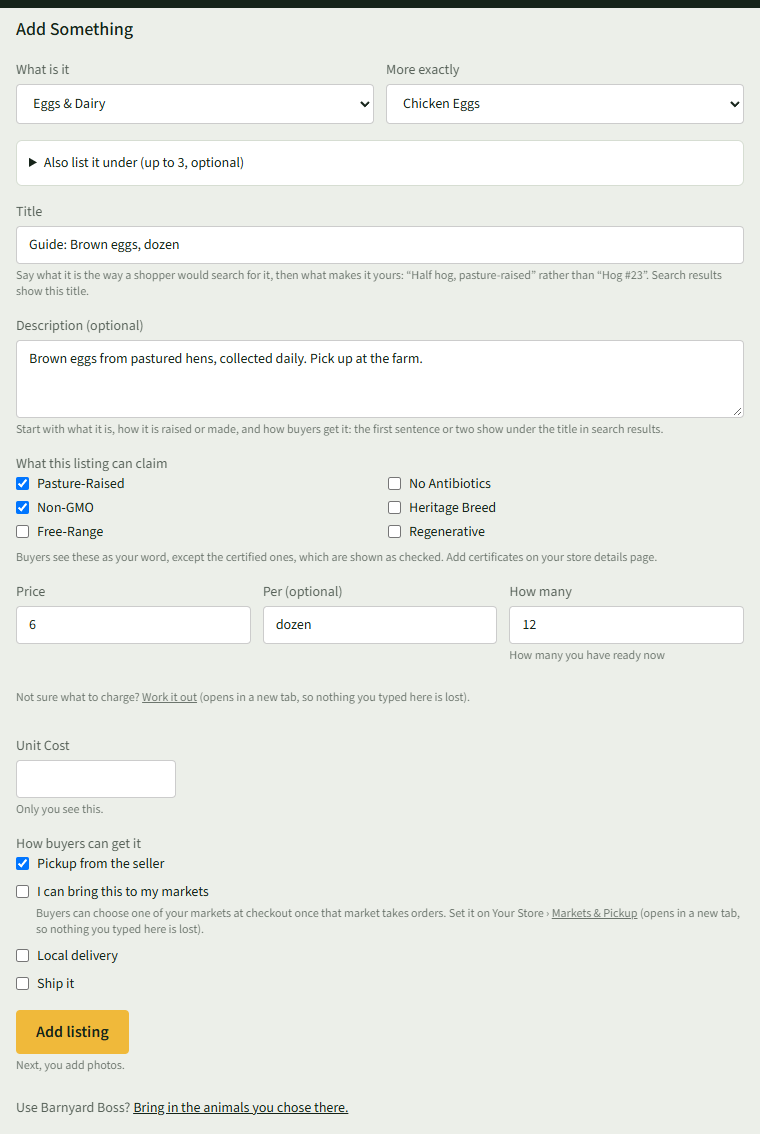
Enter a clear, descriptive Title, and add a Description (optional).
- 4
Tick anything that fits under What this listing can claim.
- 5
Enter the Price, what it is sold Per (optional), and How many you have ready now.
- 6
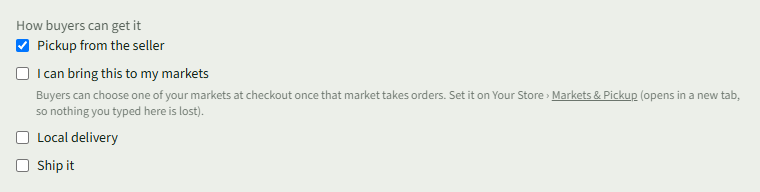
Under How buyers can get it, tick each way a buyer can get it.
- 7
Choose Add listing. The next page asks for photos.
Good to Know
Some categories ask more first, such as How was the meat processed for meat.