← Help · Seller: Getting Started
Add Your Picture and Cover Photo
Put a picture beside your name and a wide photo across the top of your page.
- 1
Open Your Store ▾ and choose Store Details, then find Photographs.
- 2
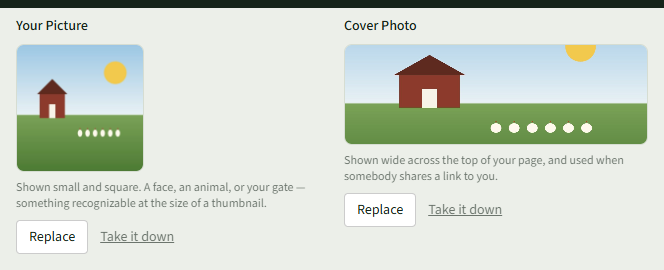
Under Your Picture, choose Choose a photo and pick one: a face, an animal or your gate, an image clearly identifiable at thumbnail size.
- 3
Under Cover Photo, choose Choose a photo and pick a wide photo. It shows across the top of your page and when somebody shares a link to you.
- 4
Each photo saves as soon as it uploads. Use Replace to change one or Take it down to remove it.