
← Help · Seller: Listings and Orders
Answer Your Reviews
Read what buyers who paid through the site said, and answer each review once, in public.
- 1
Open Your Store ▾ and choose Reviews. The page is What Buyers Said.
- 2
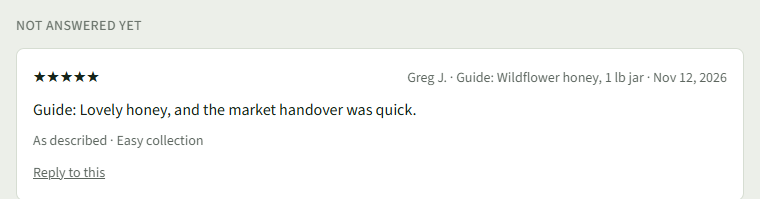
New reviews are under Not Answered Yet, with the stars, the buyer, the listing and the date.
- 3
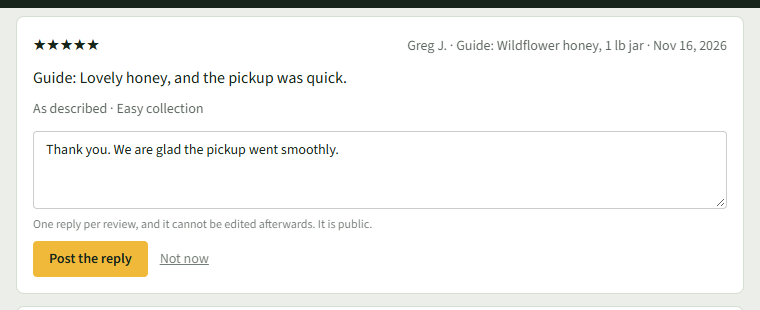
Choose Reply to this and type your answer.
- 4
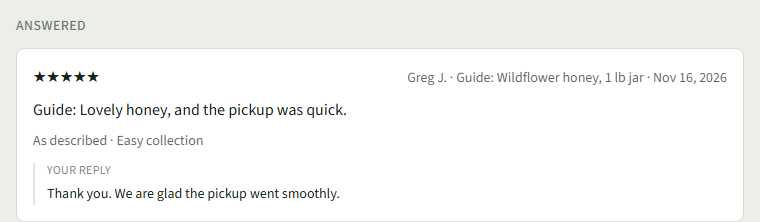
Choose Post the reply. The review moves under Answered, with Your Reply beneath it.
Good to Know
You get one reply per review, and it cannot be edited afterwards; it shows under the review on your store's page.