
← Help · Buyer: Buying and After
Ask a Seller for a Price
Describe a job to a service seller, get a real figure back, and book it if you accept.
- 1
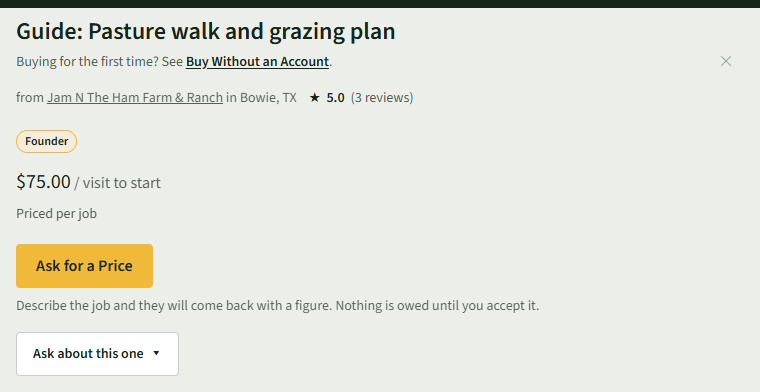
Choose Services at the top and open a service. It says Priced per job.
- 2
Choose Ask for a Price.
- 3
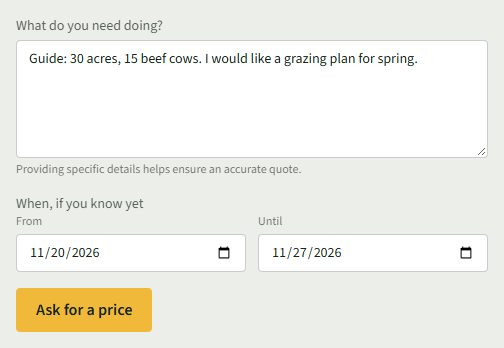
Describe the job under What do you need doing?, add From and Until under When, if you know yet, and choose Ask for a price.
- 4
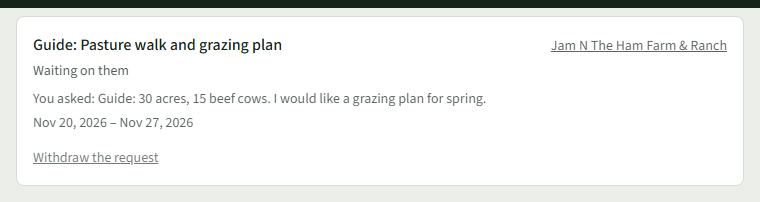
Your Bookings opens and shows Waiting on them. Choose Bookings at the top to come back to it.
- 5
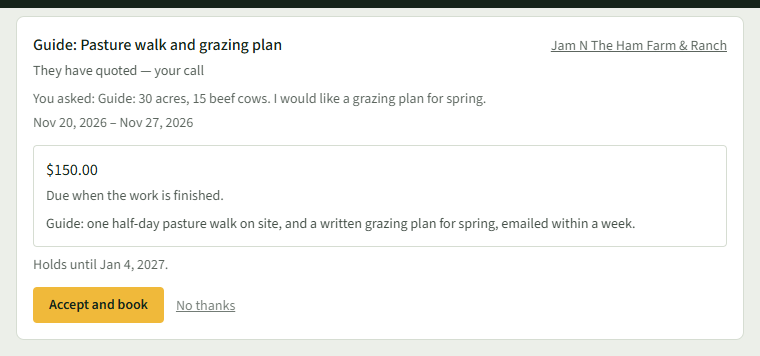
Once the seller has priced it, it says They have quoted — your call, with the price, what it covers and how long it holds. Choose Accept and book, or No thanks.
- 6
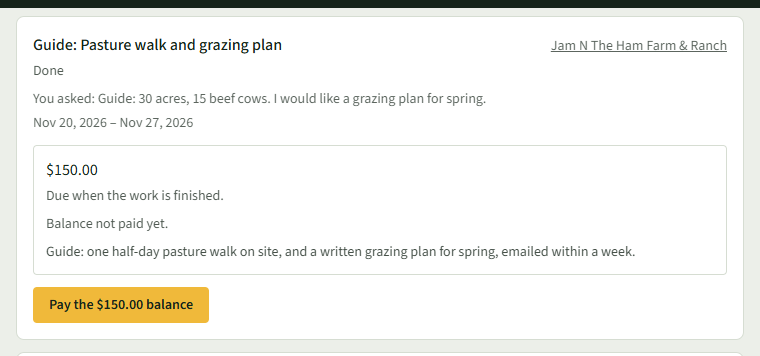
When the work is finished, choose the Pay the … balance button and pay on the form that opens.
Good to Know
Nothing is owed until you accept a price.