
← Help · Buyer: Buying and After
Buy Without an Account
Check out with just your name and email: the site emails you a code instead of asking for a password.
- 1
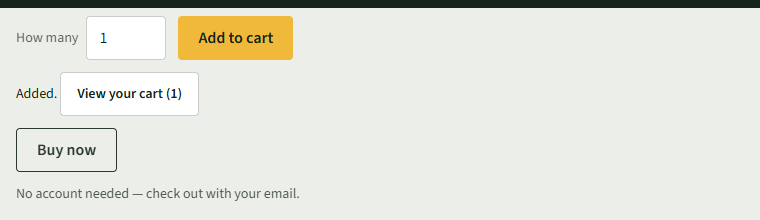
Choose Add to cart on a listing. You do not need to sign in: the listing says No account needed — check out with your email.
- 2
Choose Cart at the top, then Check out with and the seller's name.
- 3
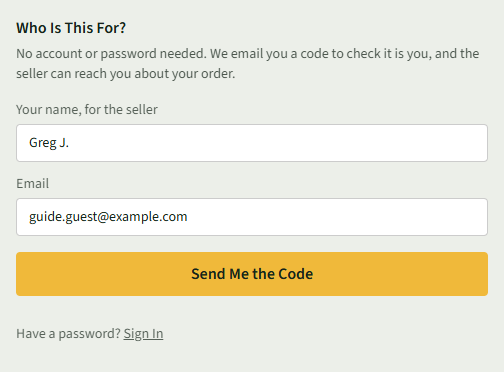
Under Who Is This For?, type Your name, for the seller and your Email, then choose Send Me the Code.
- 4
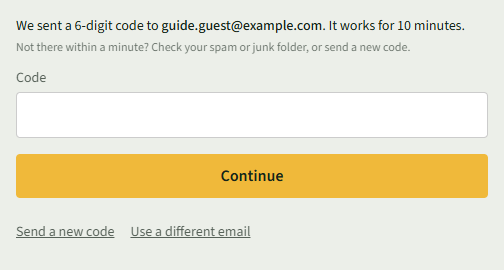
Type the 6-digit code from the email into Code and choose Continue. The code works for 10 minutes.
- 5
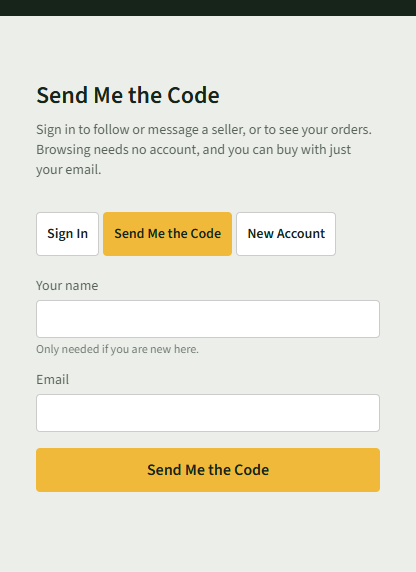
To sign in this way later, choose Sign In at the top, then Send Me the Code, type your Email, and choose Send Me the Code.
Good to Know
No code within a minute? Check your spam or junk folder, or choose Send a new code.