
← Help · Buyer: Buying and After
Cancel an Order
Call off an order before you collect it, and get your money back.
- 1
Choose Orders at the top and open the order.
- 2
Choose I can’t make it on an order you collect, or Cancel this order on one that comes to you.
- 3
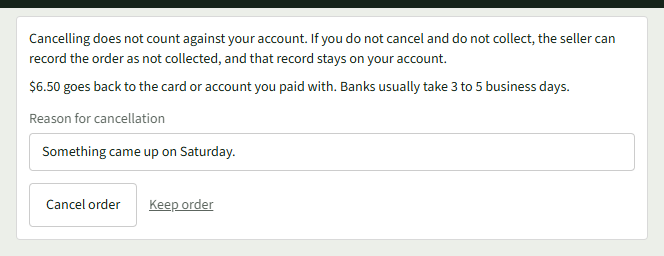
Read how much goes back to you, then type why under Reason for cancellation.
- 4
Choose Cancel order. Keep order goes back.
- 5
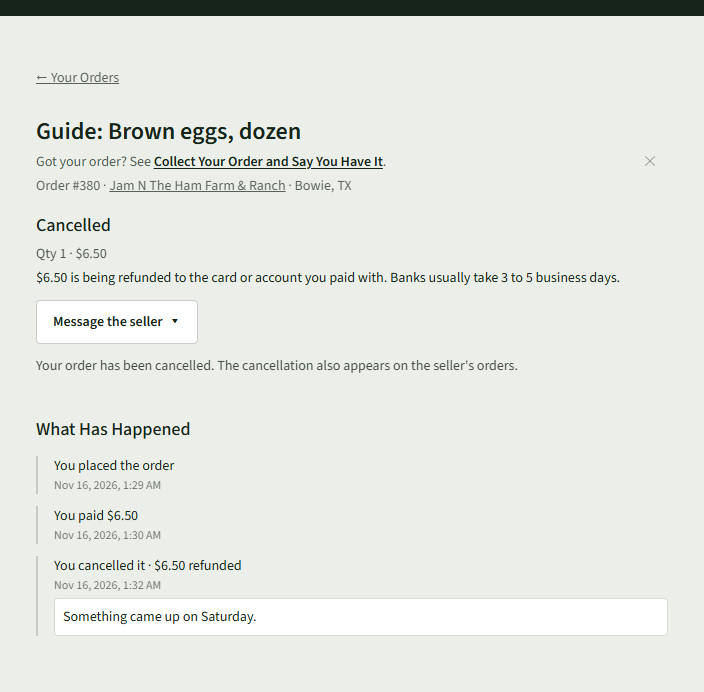
The order says Cancelled and that the money is being refunded.
Good to Know
Cancellations do not negatively impact your account.