
← Help · Seller: Listings and Orders
Change a Listing's Price or Stock
Change what a listing costs or how many you have.
- 1
Open Your Store ▾ and choose Your Listings.
- 2
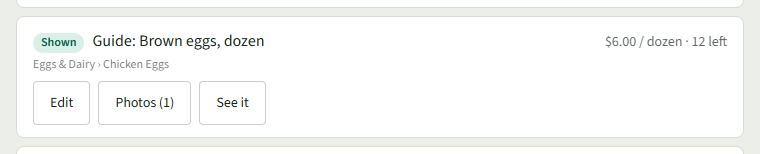
Choose Edit on the listing's row.
- 3
Change the Price, Per (optional) or How many.

- 4
Choose Save changes. Your Listings opens with Saved. at the top and the new price and count on the row.
Good to Know
How many cannot go below what has already sold; the page says how many that is.