
← Help · Buyer: Buying and After
Collect Your Order and Say You Have It
Collect your order, then tell the site you have it so the seller is paid.
- 1
Choose Orders at the top and open the order.
- 2
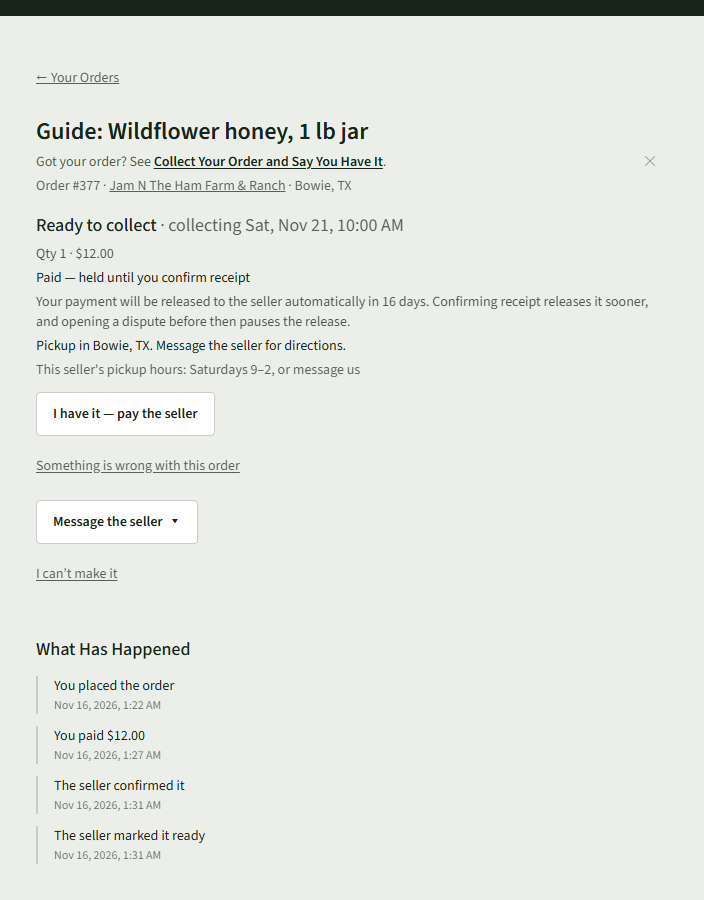
When the seller has it ready, the order says Ready to collect and Paid — held until you confirm receipt.
- 3
Collect it at the time and place on the order.
- 4
Choose I have it — pay the seller.
- 5
Check the amount and choose Yes, pay them. Not yet goes back.

- 6
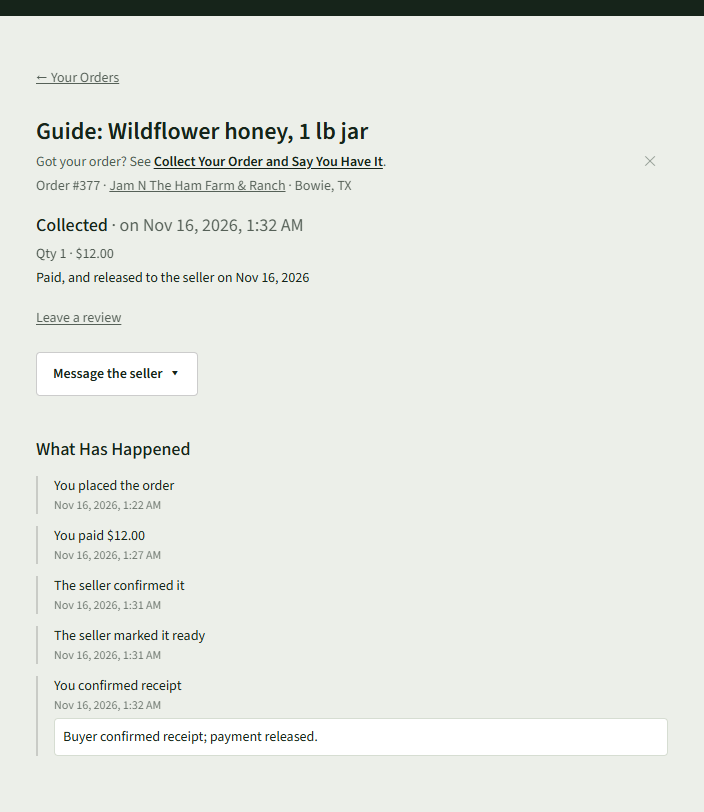
The order says Collected and Paid, and released to the seller with the date.
Good to Know
If you do not choose I have it — pay the seller, the order shows how many days are left before the payment is released to the seller on its own.