
← Help · Seller: Getting Started
Fill In Your Store Details
Change your name, story and place, set your pickup days, and say what kind of seller you are.
- 1
Open Your Store ▾ and choose Store Details.

- 2
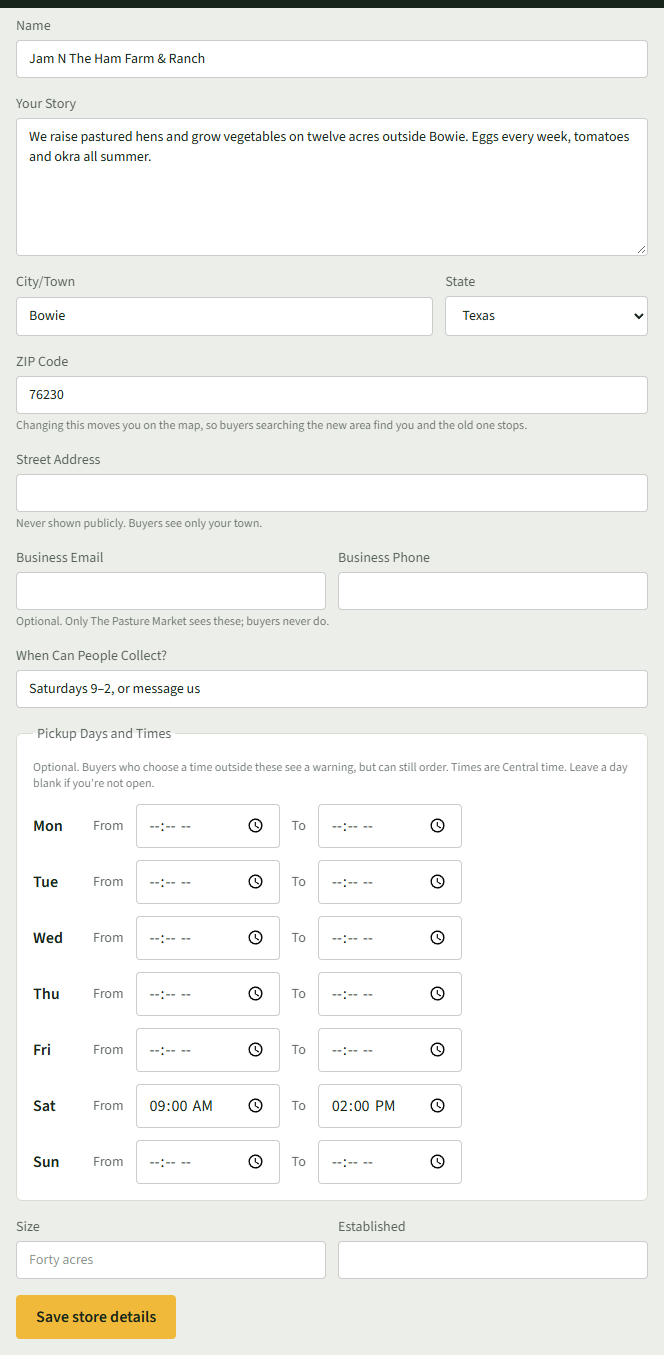
Change Name, Your Story, City/Town, State or ZIP Code as needed. Changing your ZIP Code moves you on the map.
- 3
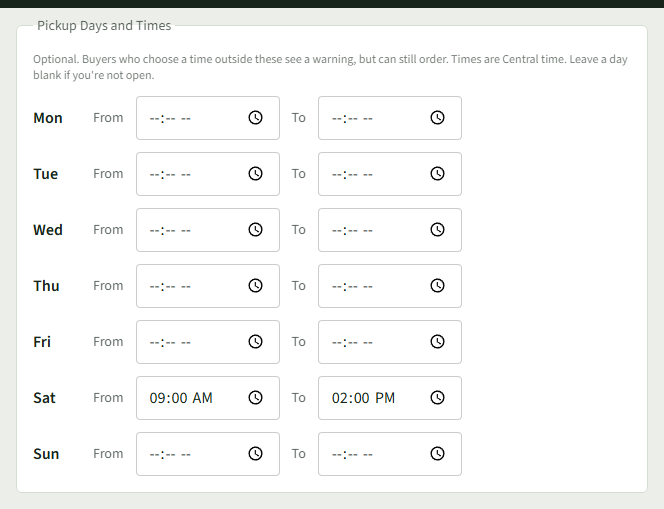
Under Pickup Days and Times, enter From and To for each day buyers can collect. Leave days blank if closed. Times are Central time.
- 4
Choose Save store details.
- 5
Under What Kind of Seller You Are, pick your Main type, tick up to five more under Also (up to five), and choose Save seller types.
- 6
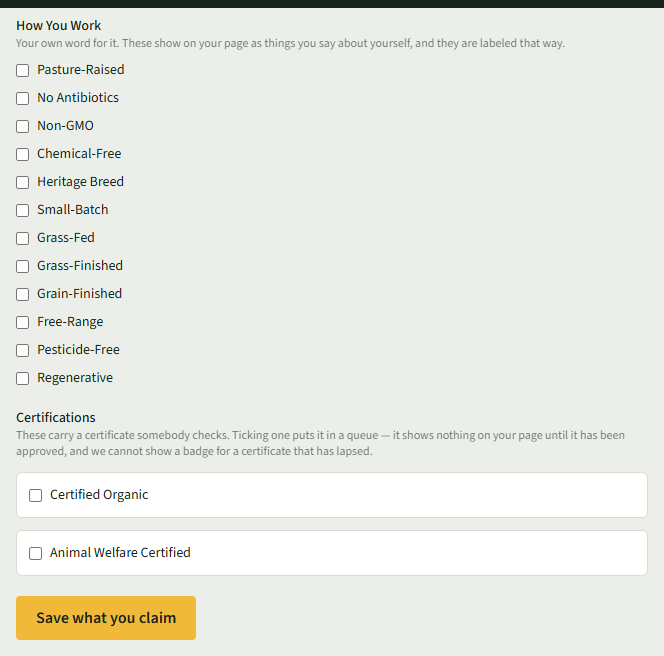
Under What You Claim, tick what is true of how you work, and choose Save what you claim.
Good to Know
Your seller type decides what you can list: live animals and herd shares need a type that raises animals, such as Farm, Ranch, Homestead, Dairy, Poultry Farm or Livestock Breeder.