
← Help · Buyer: Buying and After
Find Sellers Near You
See what is for sale near you, on a map, and open a seller's store.
- 1
On Shop, type your ZIP code or town under Where are you? and choose Show nearby.

- 2
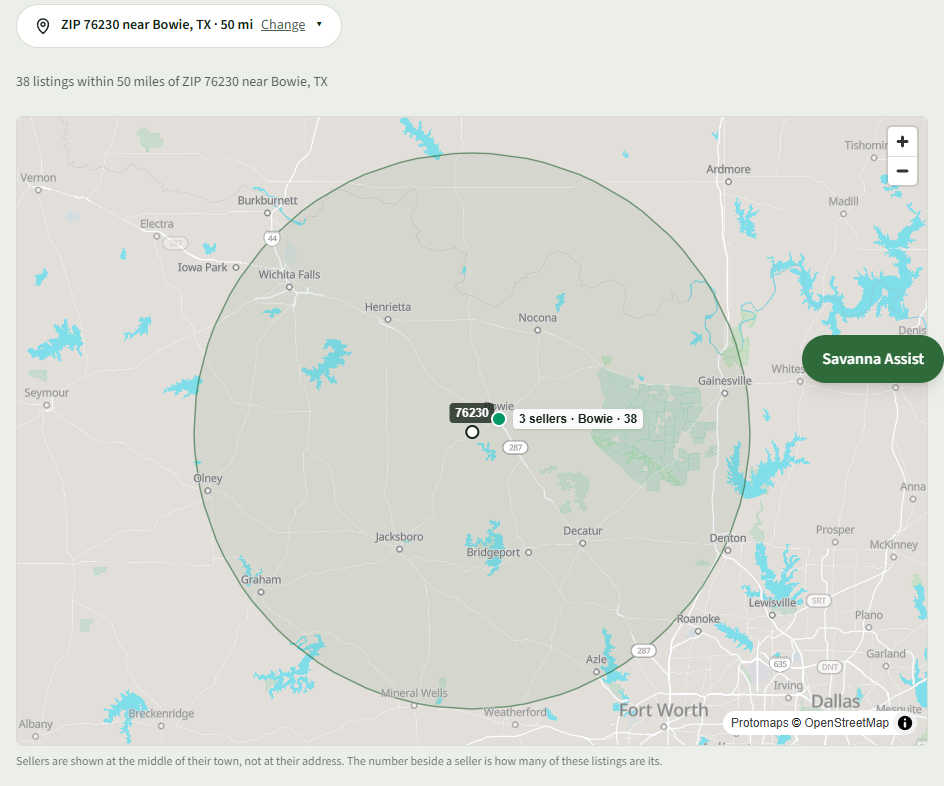
The list shows what is within 50 miles, and each listing says how far away it is, such as Sparta, TN · 3 mi.
- 3
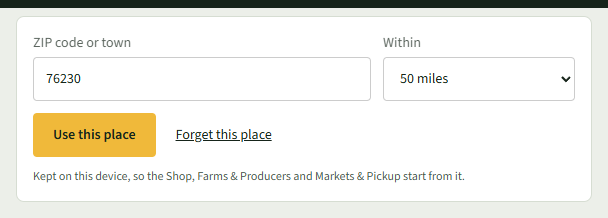
To look further or closer, choose Change, pick a distance under Within, and choose Use this place.
- 4
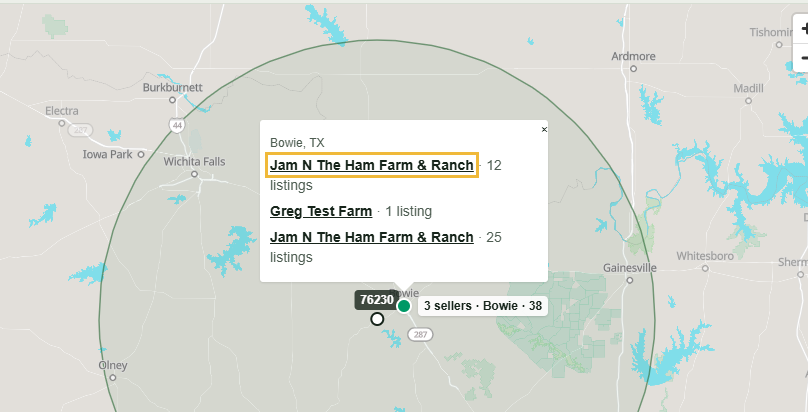
On the map, choose a seller's dot to see their name and how many listings they have; choose the name to open their store.
- 5
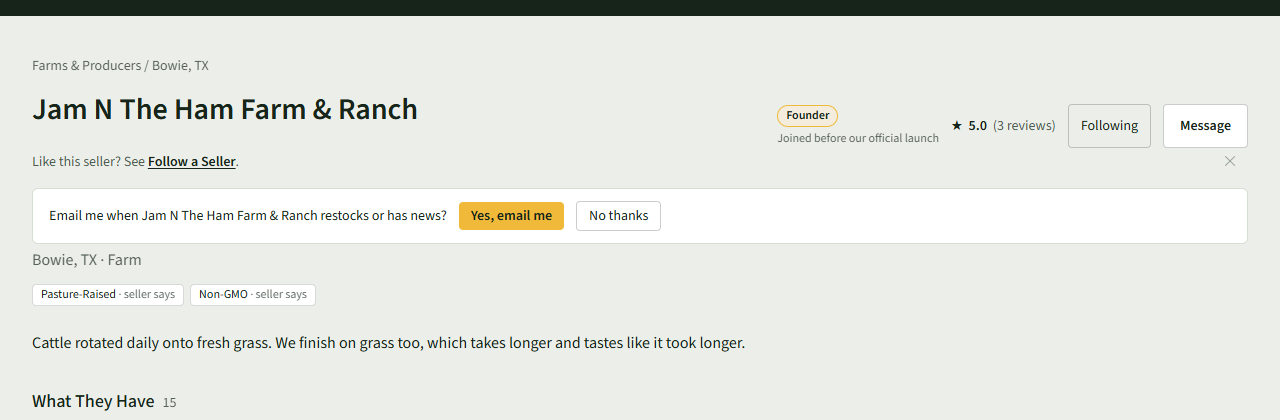
On the store page, see What They Have, What Buyers Said and Collection times, and buy straight from it.
Good to Know
Sellers are shown at the middle of their town, not at their address.