
← Help · Seller: Listings and Orders
Hide a Listing for a While
Take a listing off the site without losing it, and put it back later.
- 1
Open Your Store ▾ and choose Your Listings.
- 2
Choose Edit on the listing's row.
- 3
Under Who can see it, choose Just you — hidden until you list it again.

- 4
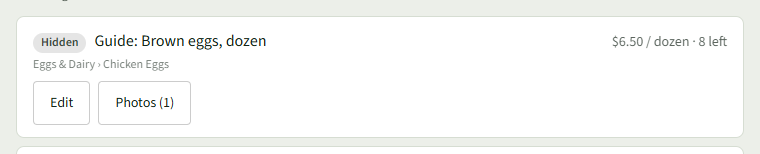
Choose Save changes. The row on Your Listings now says Hidden.
- 5
To list it again, open Edit, choose Anybody — it is listed, and choose Save changes.