
← Help · Buyer: Buying and After
Join a Herd Share or CSA
Become a member of a seller's herd share or CSA box, paid on a rhythm by card, and leave whenever you like.
- 1
Choose Shop, then a CSA Shares or Herd Shares category, such as Fresh Produce › CSA Shares, and open a listing.
- 2
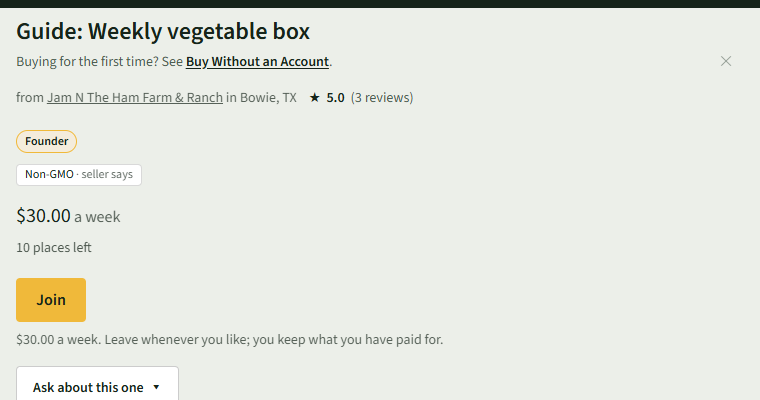
The listing shows what each payment costs and how many places are left. Choose Join.
- 3
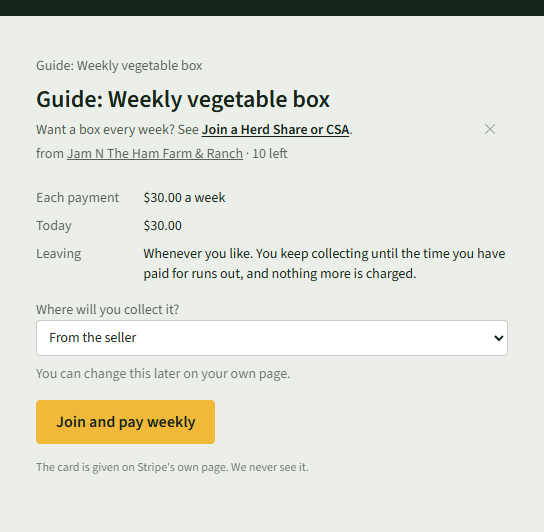
Read Each payment, Today and Leaving. Under Where will you collect it?, choose From the seller or one of the seller's markets.
- 4
For a herd share, tick the box under Please Read.
- 5
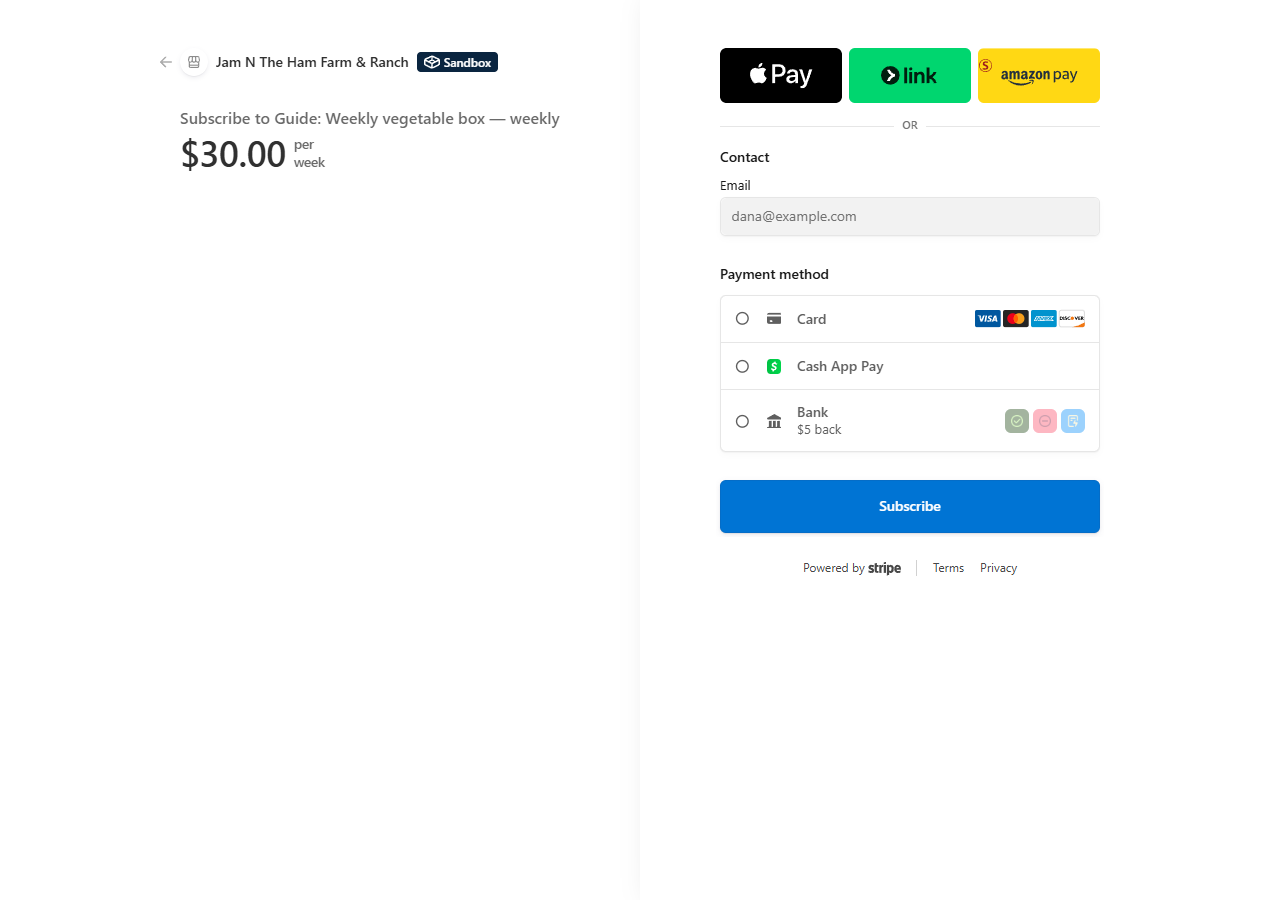
Choose the join button, such as Join and pay weekly. Stripe's own page opens; the card is given there.
- 6
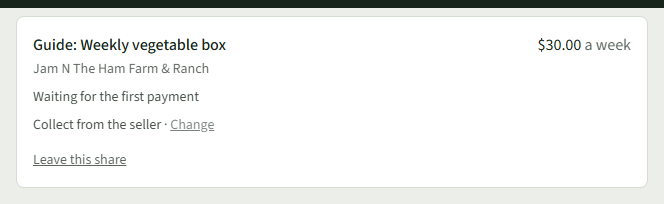
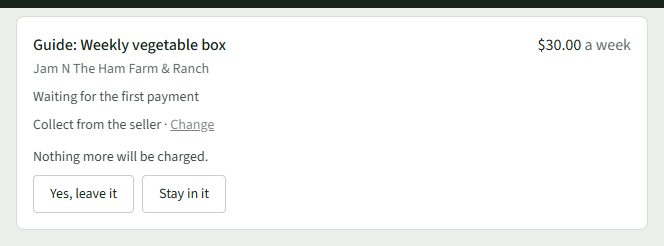
Choose Shares at the top. Your Shares lists the membership, where you collect it, and Change to collect somewhere else.
- 7
To stop, choose Leave this share, then Yes, leave it. Nothing more is charged.
Good to Know
You keep collecting until the time you have paid for runs out.