
← Help · Buyer: Buying and After
Leave a Review
Rate a seller after you have your order, for other buyers to read.
- 1
Choose Orders at the top and open an order that says Collected.
- 2
Choose Leave a review.
- 3
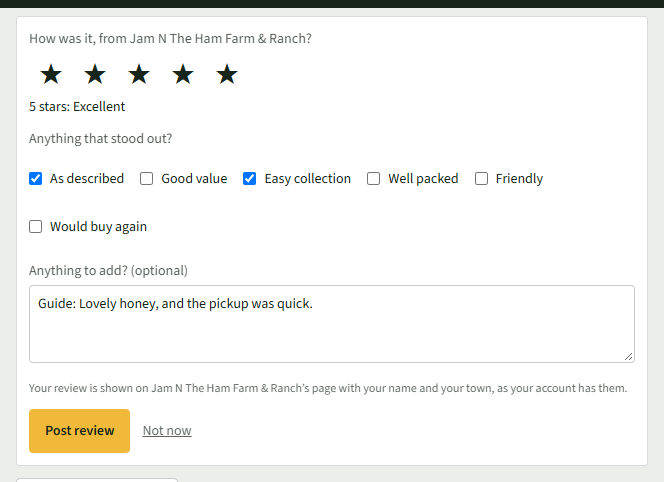
Choose one to five stars under How was it, from the seller.
- 4
Tick anything under Anything that stood out? and add words under Anything to add? (optional).
- 5
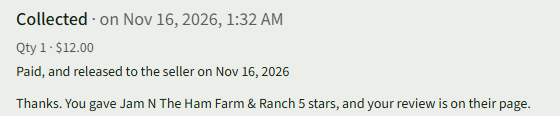
Choose Post review. The order says your review is on the seller's page.
Good to Know
Your review is shown on the seller's page with your name and your town, as your account has them.