
← Help · Seller: Listings and Orders
List an Experience and Check People In
List a tour, class or supper, put up the dates people can book, and tick off who came on the day.
- 1
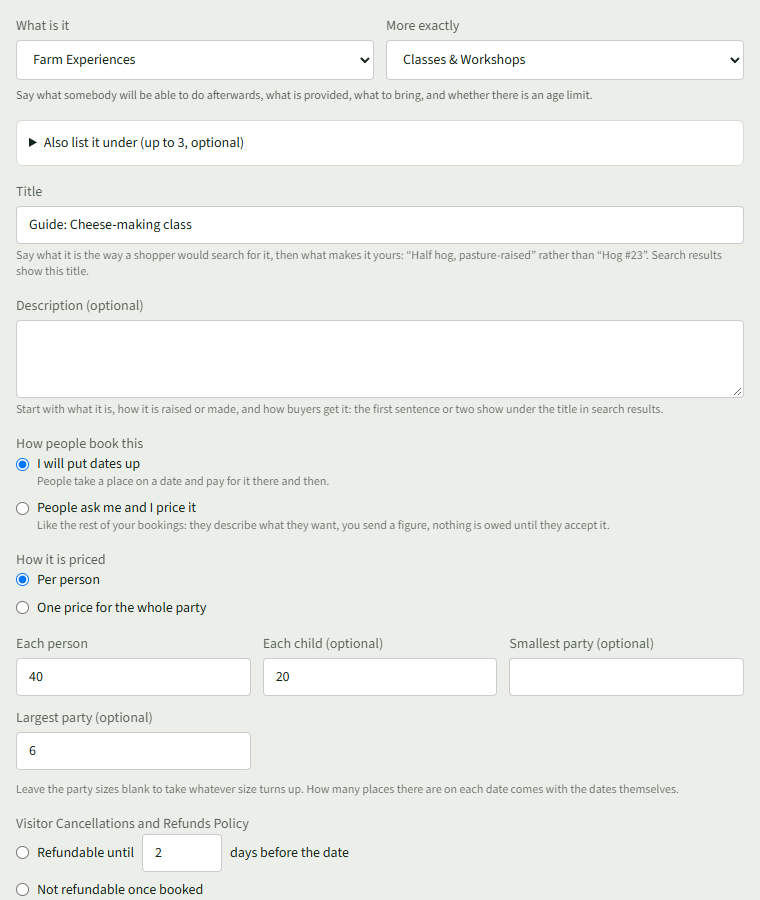
On Your Listings, under Add Something, choose Farm Experiences and the kind, such as Classes & Workshops.
- 2
Under How people book this, choose I will put dates up. Under How it is priced, choose Per person and enter Each person and Each child (optional), or One price for the whole party.
- 3
Under What visitors agree to, write what the ground is like, what animals are about, what to wear and what visitors must not do. Choose Add listing.
- 4
Open Your Store ▾, choose Dates, then Put dates up.
- 5
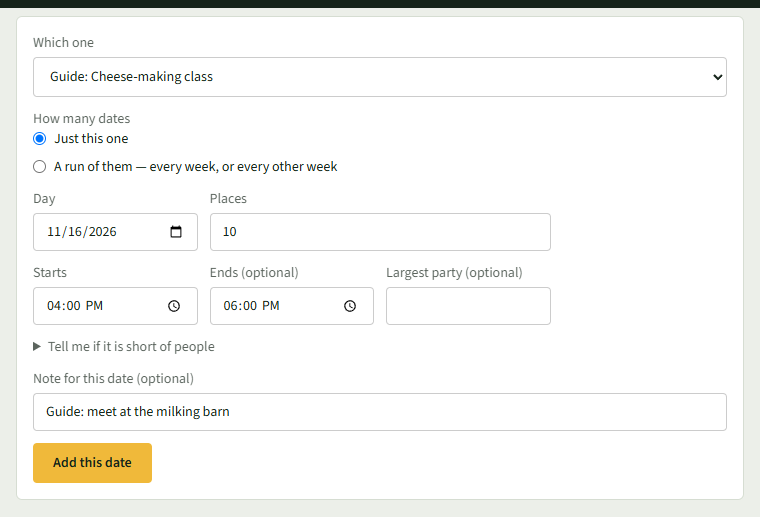
Choose the listing under Which one and Just this one or A run of them. Enter the Day, Places, Starts and Ends (optional), and choose Add this date.
- 6
Once somebody books, the date shows how many places are taken. Choose Who Is Coming.

- 7
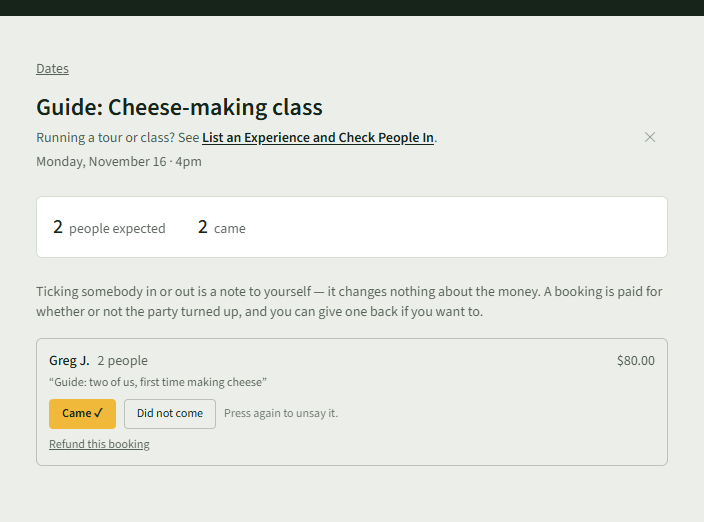
On the day, choose Came or Did not come beside each booking. Press it again to undo it.
Good to Know
Ticking people in is a note for you; it changes nothing about the money.