
← Help · Seller: Listings and Orders
Mark an Order Ready and Get Paid
Tell the buyer their order is ready, hand it over, and see the payment released.
- 1
Open Your Store ▾ and choose Orders to Fill.
- 2
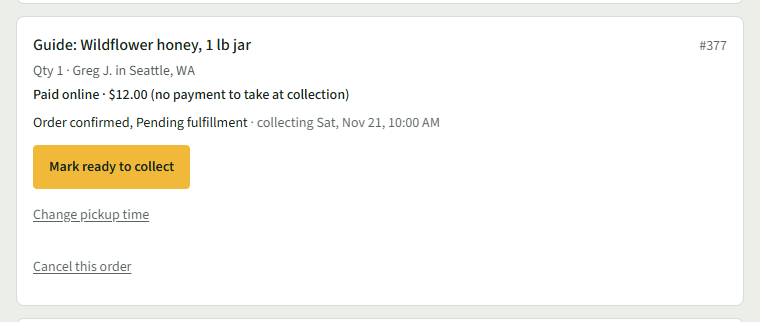
When the order is set aside, choose Mark ready to collect on its row.
- 3
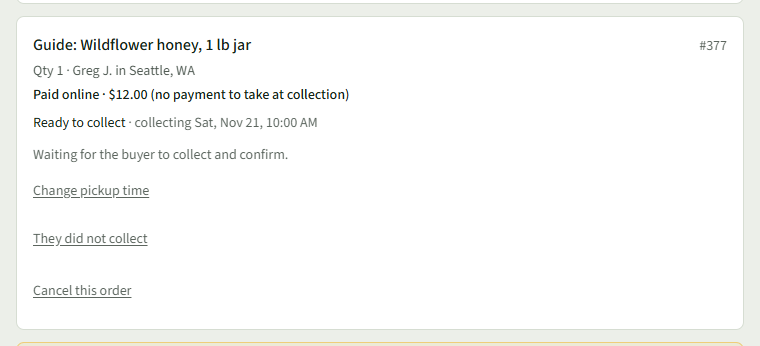
The row says Ready to collect and Waiting for the buyer to collect and confirm.
- 4
Hand it over. The buyer then chooses I have it — pay the seller on their order.
- 5
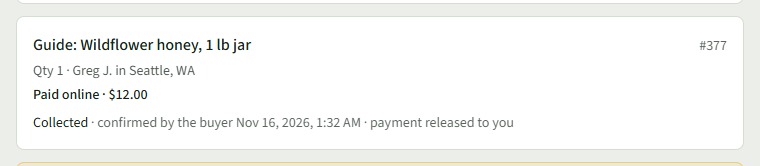
The row says Collected · confirmed by the buyer, the time, and payment released to you.
Good to Know
If the buyer does not confirm, the payment releases to you on its own 10 days after the pickup window.