
← Help · Buyer: Buying and After
Message a Seller
Ask a seller a question, and read their answer.
- 1
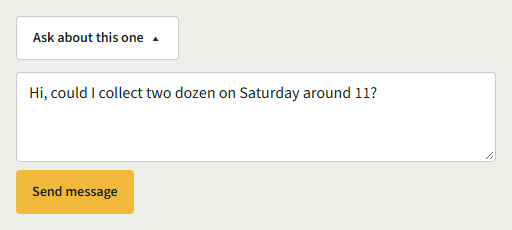
On a listing, choose Ask about this one ▾. On an order, choose Message the seller ▾.
- 2
Type your question and choose Send message.
- 3
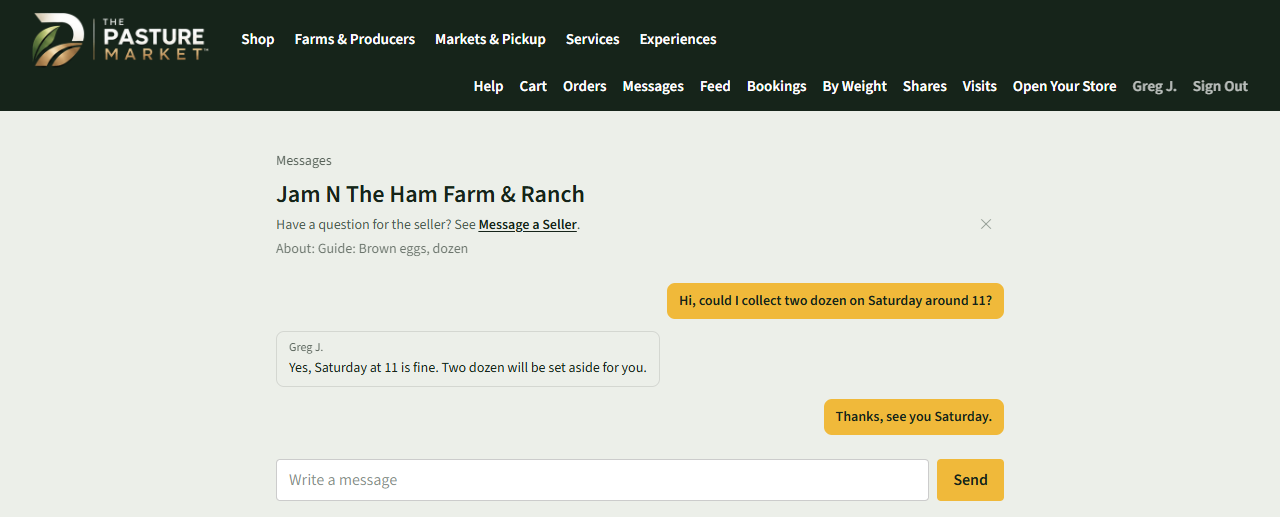
The conversation opens, with the listing it is about under the seller's name.
- 4
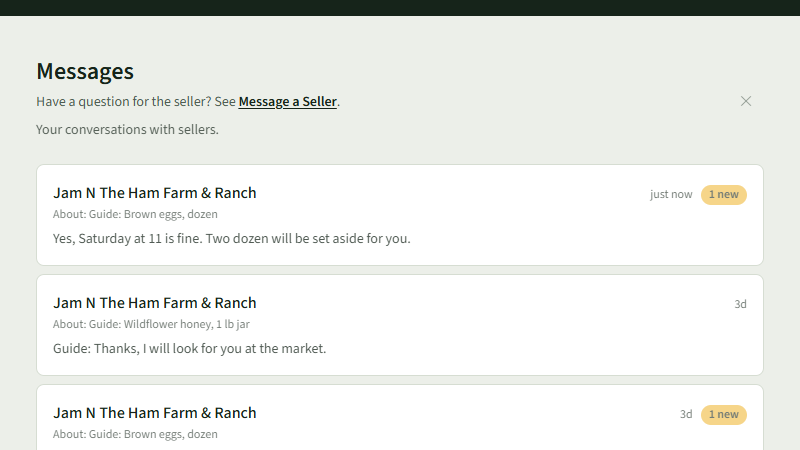
To read replies later, choose Messages at the top. A reply you have not read is marked 1 new.
- 5
Open the conversation, type in Write a message, and choose Send.
Good to Know
On a seller's store page, Ask Them Something sends a message that is not about one listing.