
← Help · Seller: Getting Started
Open Your Store
Make your store, the page buyers find you by.
- 1
Sign in, or make an account with Sign In at the top of any page.
- 2
Choose Open Your Store at the top of the page, or on the Sell on The Pasture Market page.
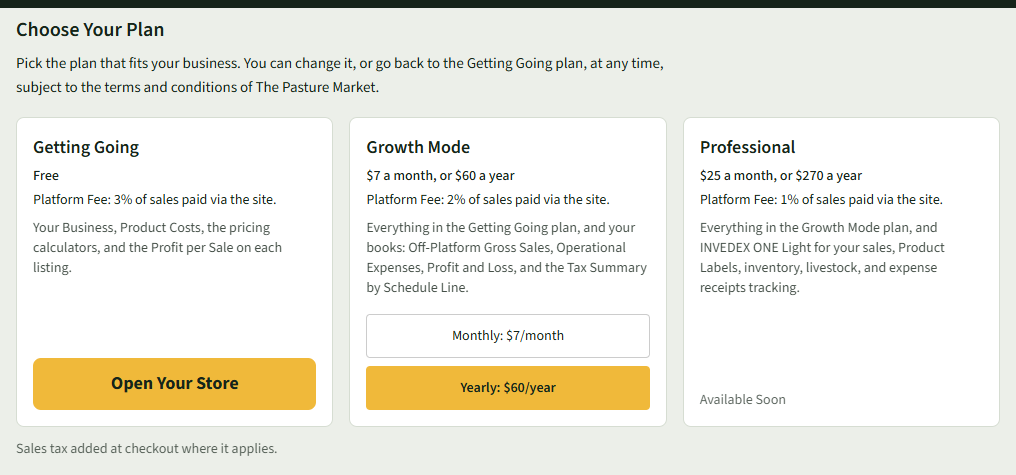
- 3
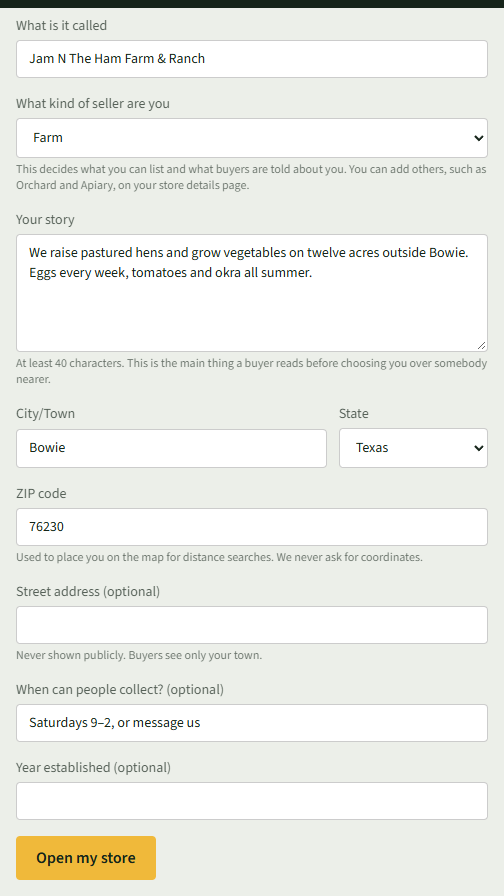
Fill in What is it called, What kind of seller are you, Your story (at least 40 characters), City/Town, State and ZIP code.
- 4
Add Street address (optional), When can people collect? (optional) and Year established (optional) if you like. Your street address is never shown publicly.
- 5
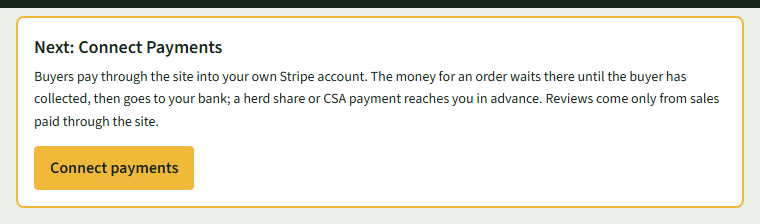
Choose Open my store. You land on Your Listings, with Next: Connect Payments at the top.
Good to Know
Buyers see only your town. Your ZIP code places you on the map for distance searches.