
← Help · Seller: Listings and Orders
Post an Update for Your Followers
Tell everybody following your store what is ready, with a link to the listing.
- 1
Open Your Store ▾ and choose Post an Update. The page says Your followers see this in their Feed.
- 2
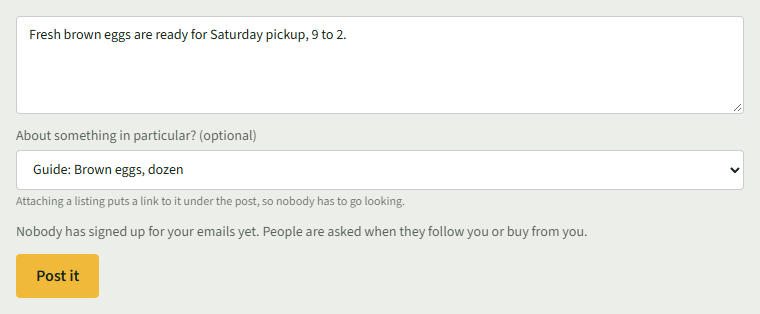
Type what is ready in the box.
- 3
To link a listing, choose it under About something in particular? (optional). Otherwise leave Just an update.
- 4
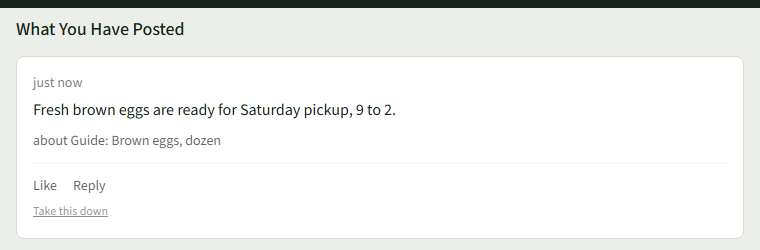
Choose Post it. The page says Posted. and the post shows under What You Have Posted.
- 5
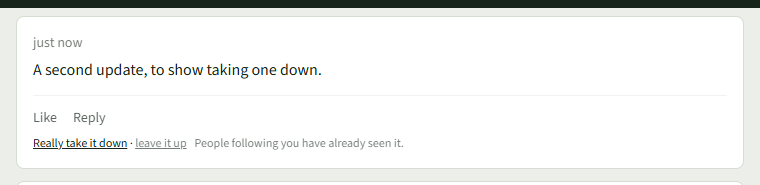
To remove a post, choose Take this down under it, then Really take it down.
Good to Know
Once somebody has signed up for your emails, the page also offers to email the post to them.