
← Help · Seller: Listings and Orders
Price a Job From Work to Price
List a service priced per job, answer each request with a price, and get paid when the work is done.
- 1
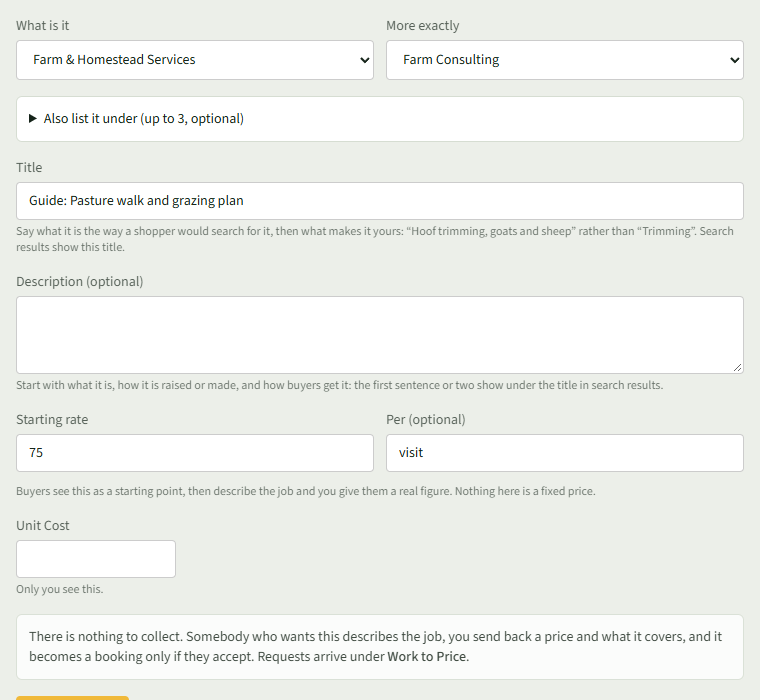
On Your Listings, under Add Something, choose Farm & Homestead Services and the kind of work, such as Farm Consulting.
- 2
Enter a Starting rate and Per (optional), then choose Add listing. Requests arrive under Work to Price.
- 3
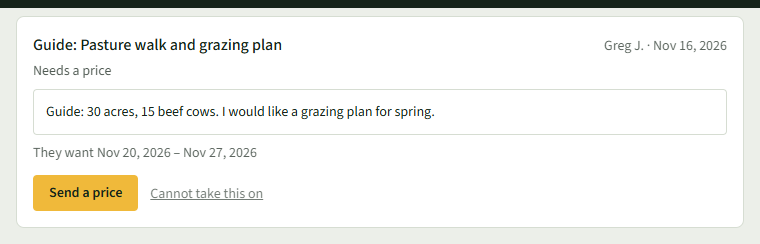
Open Your Store ▾ and choose Work to Price. A new request shows Needs a price.
- 4
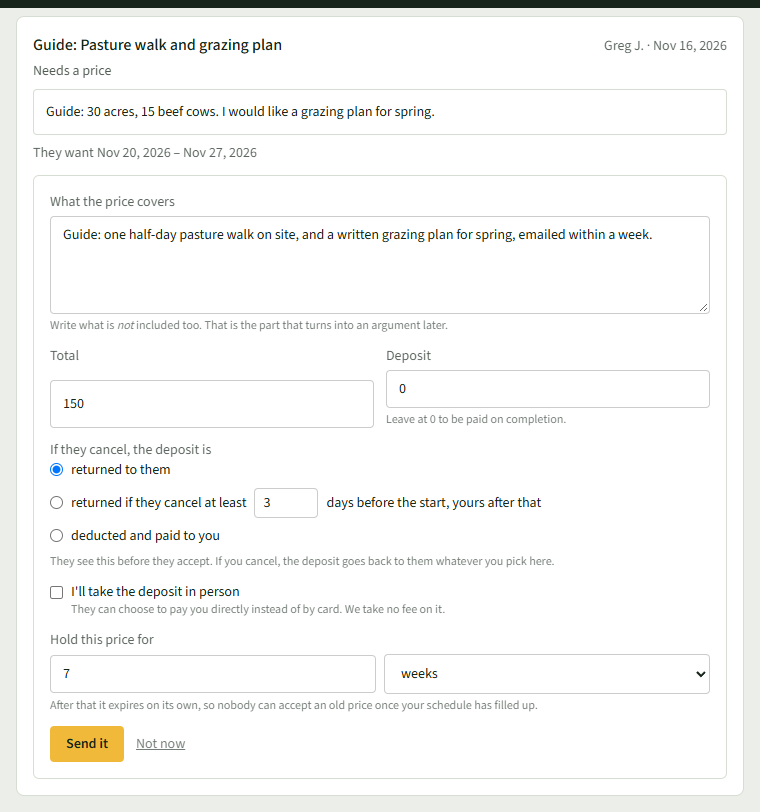
Choose Send a price. Write What the price covers, then the Total and a Deposit; leave the deposit at 0 to be paid on completion.
- 5
Set Hold this price for, in days or weeks, and choose Send it. The request shows Waiting on them and You quoted.
- 6
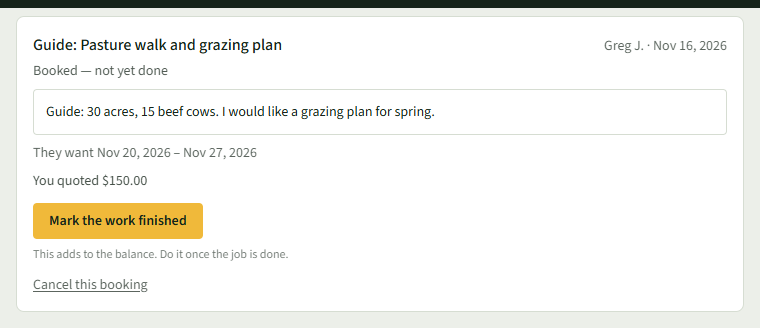
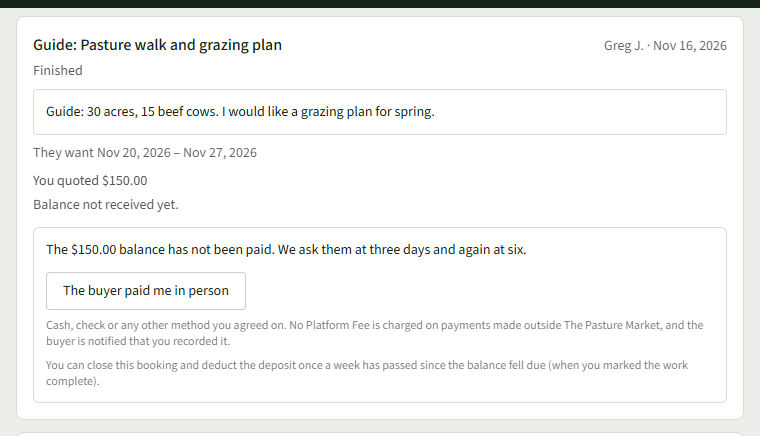
When they accept, it shows Booked — not yet done. Once the job is done, choose Mark the work finished.
- 7
The buyer is asked for the balance. Once they pay, it says Balance received.
Good to Know
Nothing is owed until the buyer accepts your price, and it expires when the hold runs out.