
← Help · Seller: Business Suite
Record an Operational Expense
Log what running your business costs, such as feed, fuel, rent or packaging, so your Profit and Loss counts it.
- 1
Open Your Store ▾, choose Your Business, then choose Operational Expenses.
- 2
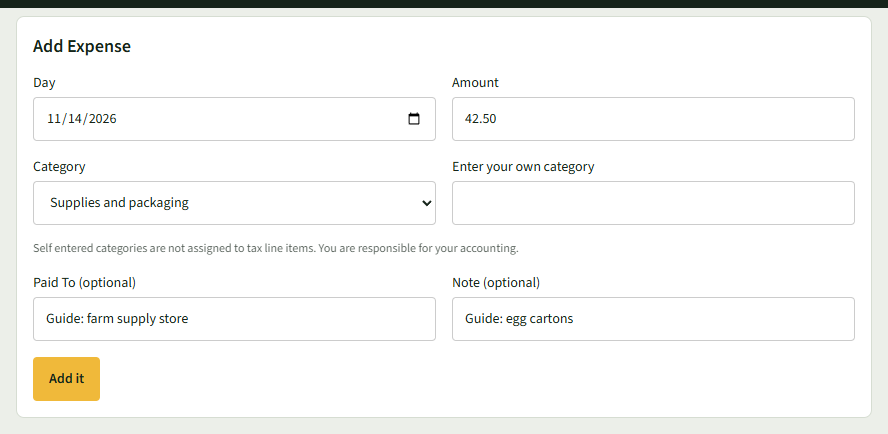
Under Add Expense, set the Day and enter the Amount.
- 3
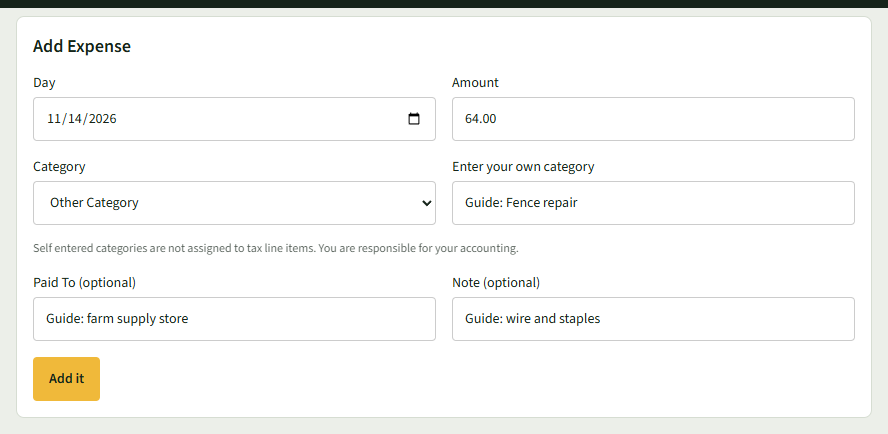
Choose a Category. If none fits, choose Other Category and type yours in Enter your own category.
- 4
Add Paid To (optional) and Note (optional), then choose Add it.
- 5
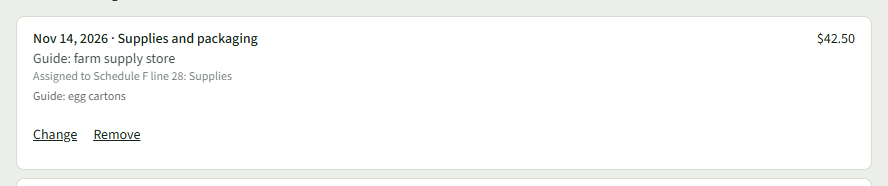
The page says Saved. and the expense shows under Operational Expenses in This Range, with the tax line it is assigned to once you choose your tax form on Profit and Loss.
- 6
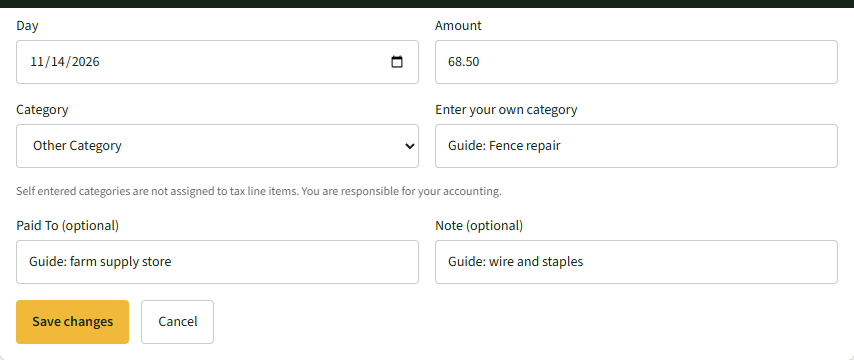
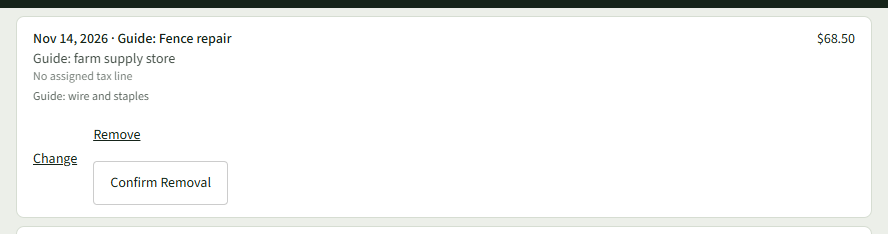
To correct an expense, choose Change under it. The form above becomes Change Entry; make the change and choose Save changes, or Cancel.
- 7
To delete one, choose Remove under it, then Confirm Removal. The page says Removed.
Good to Know
Operational Expenses is part of the Growth Mode plan; categories you type yourself are not assigned to a tax line.