
← Help · Seller: Listings and Orders
Remove a Listing for Good
Take a listing off the site permanently.
- 1
Open Your Store ▾ and choose Your Listings.
- 2
Choose Edit on the listing's row.
- 3
At the bottom of the page, choose Remove this listing.
- 4
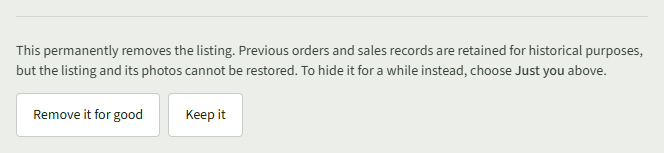
Read the note, then choose Remove it for good.
- 5
Your Listings opens, and the listing is gone.
Good to Know
This permanently removes the listing. Previous orders and sales records are retained for historical purposes, but the listing and its photos cannot be restored. To hide it for a while, choose Just you instead.