
← Help · Buyer: Buying and After
Report an Issue With an Order
Tell the site something went wrong with an order, while your payment is still held.
- 1
Choose Orders at the top and open the order.
- 2
Choose Something is wrong with this order.
- 3
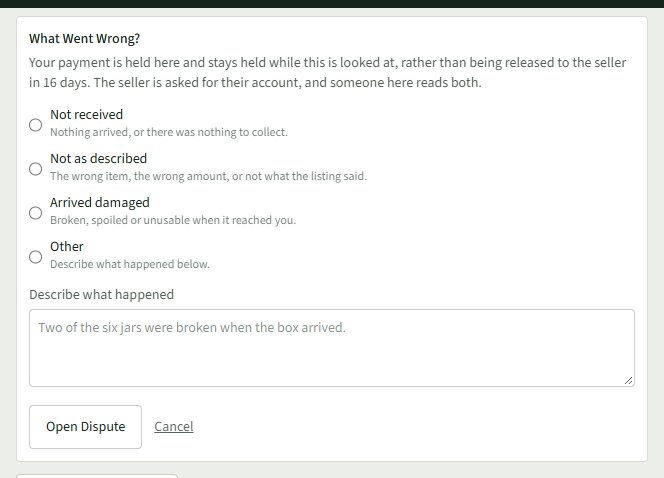
Under What Went Wrong?, choose Not received, Not as described, Arrived damaged or Other.
- 4
Provide details in the Describe what happened field.
- 5
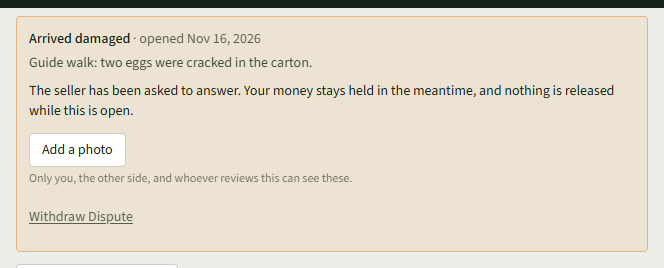
Choose Open Dispute. The order then says the seller has been asked to answer and your money stays held.
- 6
Add pictures with Add a photo.
- 7
If it is sorted out, choose Withdraw Dispute, then Yes, withdraw the dispute.
Good to Know
Something is wrong with this order shows only while your payment is held for the seller.