
← Help · Buyer: Buying and After
Search the Shop
Find something to buy by category, by word, and by how you want to get it.
- 1
Choose Shop at the top of the page.
- 2
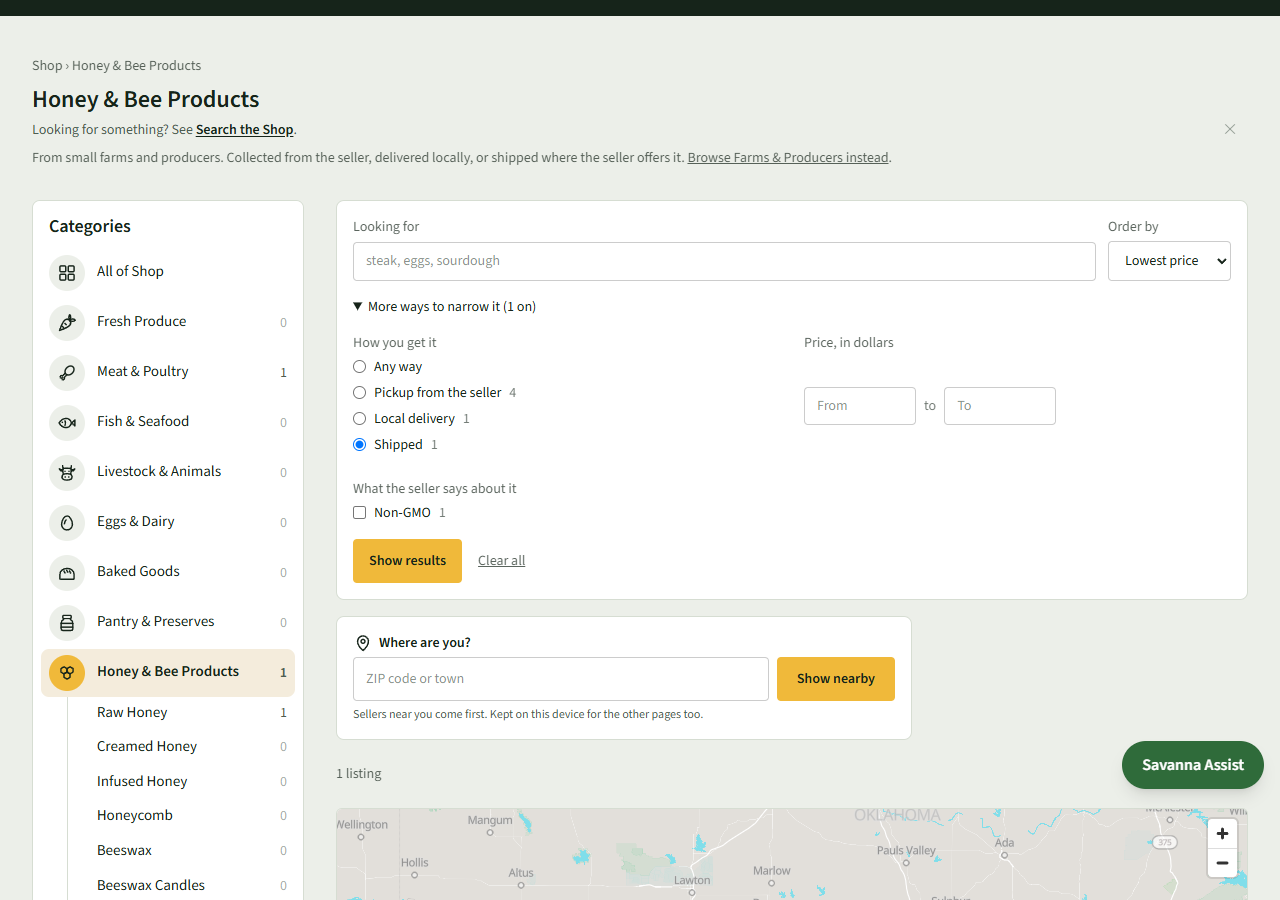
Choose a category under Categories, such as Honey & Bee Products. The number beside each is how many listings it has.
- 3
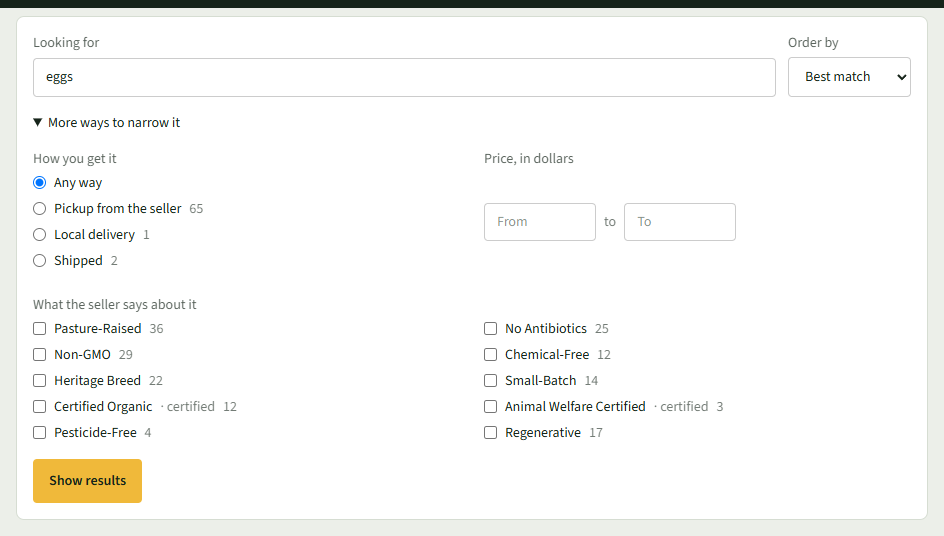
Or type what you want in Looking for, such as eggs, and choose Show results.
- 4
Choose More ways to narrow it to pick How you get it, a Price, in dollars range, or anything under What the seller says about it.
- 5
Choose how to sort under Order by, such as Lowest price, then choose Show results.
- 6
Choose a listing to open it. Clear all starts the search again.
Good to Know
A word may offer narrower kinds to choose from, such as Chicken Eggs, Duck Eggs or Quail Eggs for eggs.