
← Help · Seller: Listings and Orders
Sell in Weighed Packages
List packs that each have their own weight and price, priced by the pound.
- 1
Under Add Something, choose Meat & Poultry and then the kind of meat, such as Beef.
- 2
Answer How was the meat processed and type a Title.
- 3
Tick Sold as Packages.

- 4
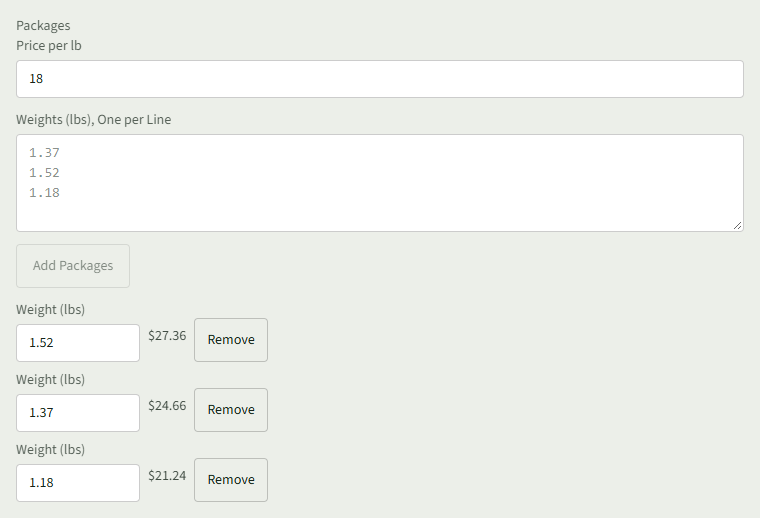
Enter the Price per lb.
- 5
Type each package's weight in Weights (lbs), One per Line, then choose Add Packages.
- 6
Check each weight and its price; choose Remove beside any you typed by mistake.
- 7
Choose Add listing.
Good to Know
Each package's price is its weight times the Price per lb.