
← Help · Seller: Listings and Orders
Weigh and Settle a Hanging-Weight Sale
Book the processor for a reserved animal, enter its hanging weight, and set the pickup once the buyer has paid.
- 1
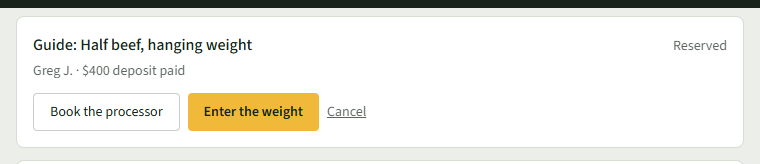
Open Your Store ▾ and choose Sold by Weight. A new reservation shows Reserved and the deposit paid.
- 2
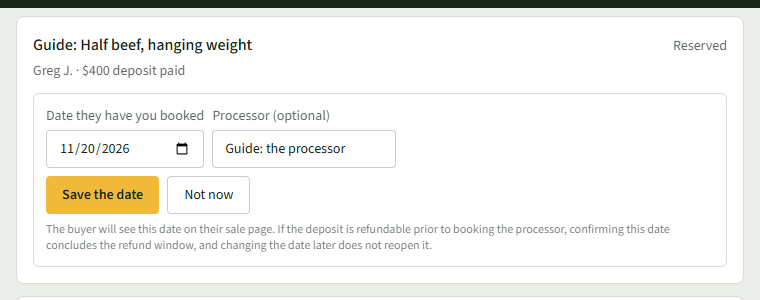
Choose Book the processor, enter Date they have you booked and Processor (optional), and choose Save the date. The buyer is told.
- 3
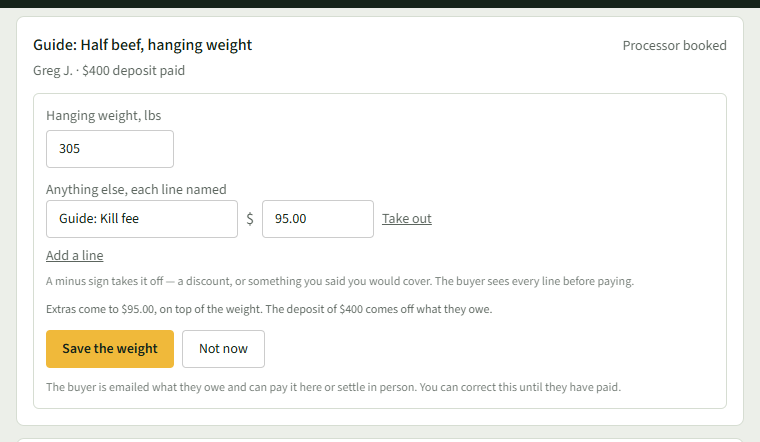
Once it has been weighed, choose Enter the weight and type the Hanging weight, lbs.
- 4
To add a charge or a discount, choose Add a line under Anything else, each line named, name it and enter the amount; a minus sign takes it off.
- 5
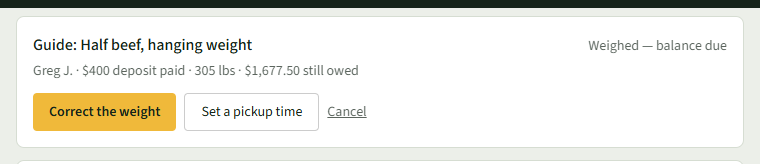
Choose Save the weight. The row shows Weighed — balance due and what is still owed, and the buyer is emailed what they owe.
- 6
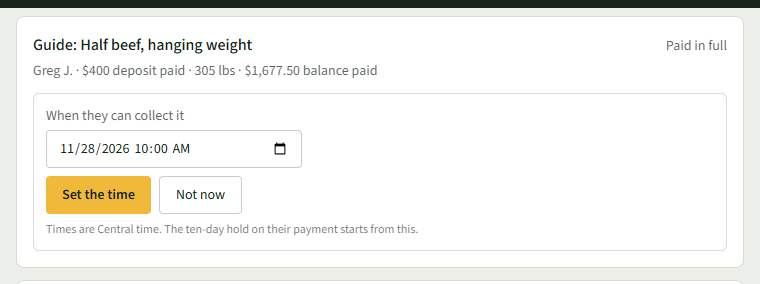
When the row says the balance is paid, choose Set a pickup time, enter When they can collect it, and choose Set the time.
- 7
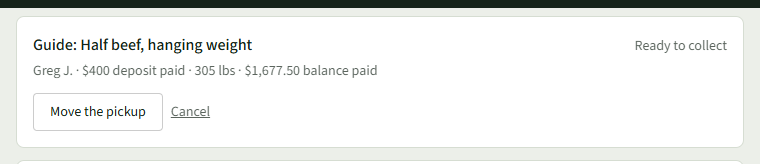
The row now says Ready to collect.
Good to Know
You can correct the weight until the buyer has paid.